


Master BIM in 3 Powerful Steps
From complete beginner to industry-ready professional. Follow ISO 19650 International BIM Standard workflow used by 100+ successful BIM experts.
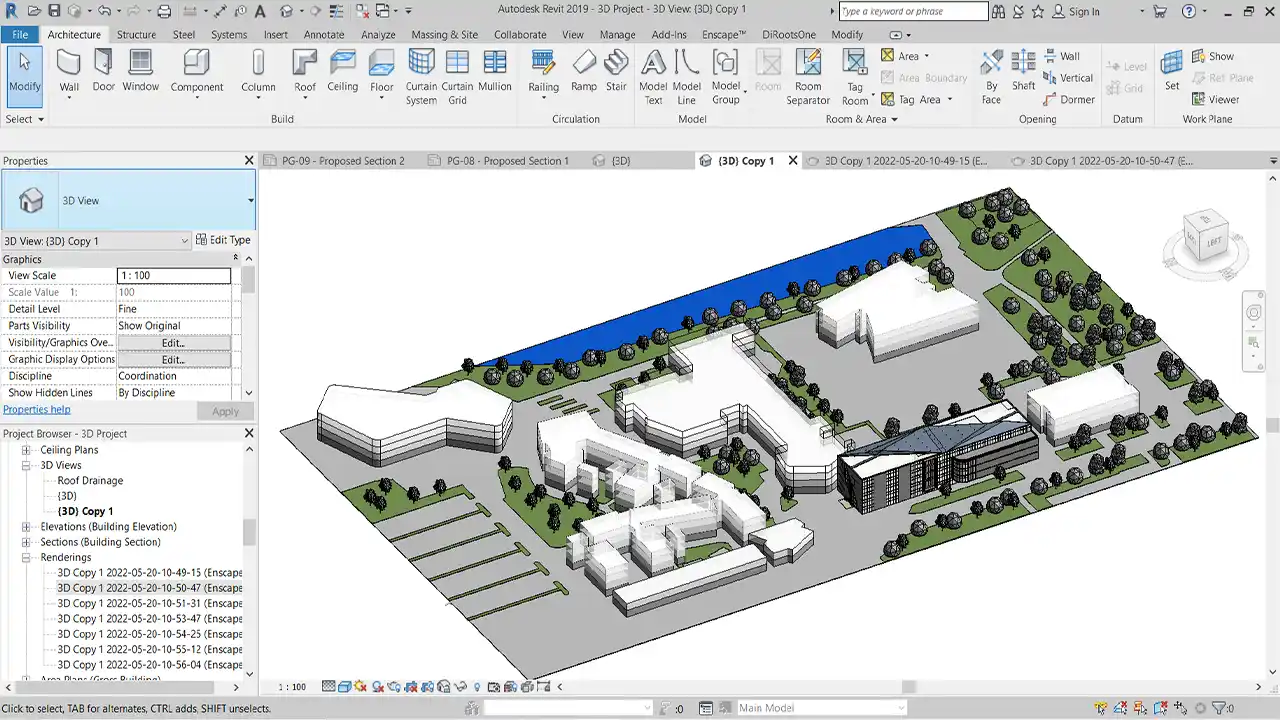
Why This Method Works
Live, interactive learning that adapts to your pace
Live Online Classes
Learn directly from industry experts in real-time sessions. Ask questions, get instant feedback, and watch problems being solved live.
Real Projects
Build your portfolio with actual commercial projects. Work on residential, commercial, and infrastructure models that employers want to see.
What You'll Achieve
Transform your career with measurable results
Faster promotions with BIM+BI skills
Through automation & efficiency
Higher productivity, fewer errors
BIM experts earn significantly more
Detailed Modules to make you BIM Professional
Comprehensive modules with detailed curriculum
BIM Introduction & Workflow
- Introduction to BIM Technology and Workflow
- New project template, Title block family with Revision schedule, Dates, Details, etc
- Link floor plan files, hand sketch, PDFs, Images and how to scale it
- Creating Architecture Elements from basic to advance
Architecture & Structure Modeling
- Understanding Tools and Ribbons
- Creating accurate 3D model
- Setup its elevation, sections, plans etc
- Creating Shop Drawings, Detail Drafting
- Understanding LODs from 100 to 600
Project Settings & Workflow
- Views, Project Temp, View Temp, Project Settings, Scope box, Section box
- Using Filters, Manage Links
- Understanding use case of Type Mark and Key Notes (Legends)
- Creating Schedules, Legends, Annotations, Callouts, Placing plans into sheets
- Learning batch processing with DiRoots
Documentation & Scan to BIM
- Render in Revit and advance with Twinmotion
- Schedule, Estimate & BOQs
- Understanding Scan to BIM modeling process
- Walkthrough Renderings
Project Parameters, ISOs, BEP & COBie
- Understanding BEP, COBie
- BIM ISO 19650
- Project Parameters
- Understanding Family Categories
- Tips for BIM implementation and how it communicates
Parametric Components and Family Modeling
- Understanding Family Categories and it's Template
- Advance Parametric workflow, annotation, detail tags family components
- Creating Advance family model
- Understanding the tools, details, visibility graphics, view settings, etc
- Complex Geometry Formulas, information and data exchange with projects
BIM Coordination and Clash Reports | Planning & Tracking Using BIM+BI
- Navisworks interface and tools, understanding workflow with NWDs, NWFs
- Adding Rules and Workflow, 4D Project Animation - Timeline sequence
- Clash Detections and Reports
- Project Tracker using Excel and BI
- Work progress and component trackers with BIM workflow
BIM Automation with Dynamo & pyRevit | APIs | BIM Freelancing
- Automate repetitive task using Dynamo
- Creating scripts
- Understanding pyRevit tool
- Understanding basics of API development for automation in future
- Freelance, Generate Value Driven Leads, Finding Clients, Payment Setups etc
Master Essential BIM Softwares
You will become proficient in essential software that is now used in the BIM industry, makes you ready for optimizing your tasks in the workplace or practice.


Benefits of BIM Skilled Online Training 🚀
Get comprehensive training with practical resources, expert guidance, and lifetime support
Practical Learning
- Live Projects: Download real-world project files.
- eBooks: Interactive PDF workflow guide.
- Weekly Tasks: Homework assignments to solidify learning.
Comprehensive Resources
- Additional Files: Explore supplementary materials to boost your knowledge.
- Recorded Videos: Enjoy lifetime access and free updates to all training videos.
Guidance & Support
- Q&A Sessions: Get your doubts cleared with expert-led question-and-answer videos.
- Mock Interviews: Prepare for BIM job interviews with practical simulations.
- Job Assistance: Receive free job placement support.
Join BIM Link
- Interactive Network: Connect with fellow BIM professionals worldwide.
- Skill Upgrades: Stay ahead with continuous learning and peer interaction.
Meet Your BIM Mentor
Prateek M. - BIM Coordinator & App Developer
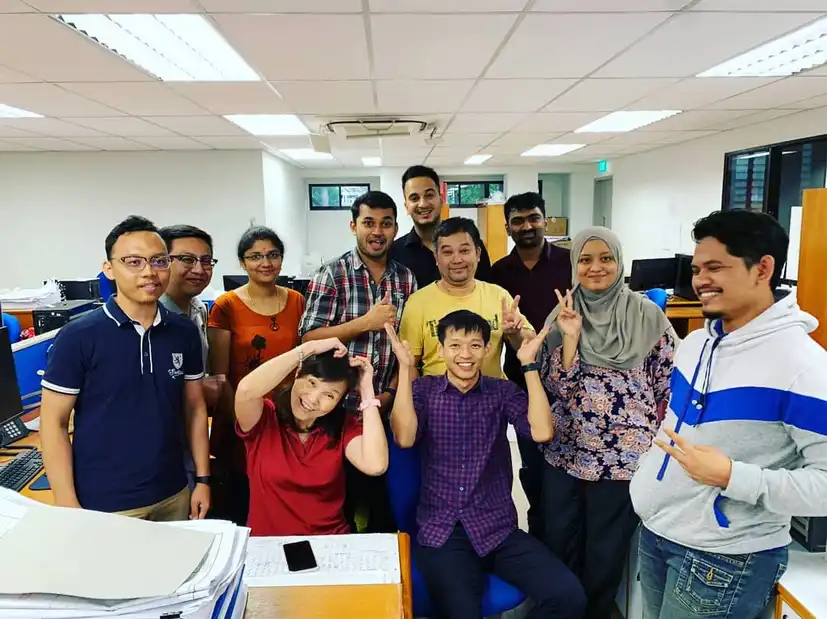


BIM Coordinator with 10+ years experience in BIM modelling and completed specialization in BIM from Singapore ATC. I've educated more than 100+ candidates with my 1-on-1 BIM coaching around the globe. I have built Web Apps like BIM Link for BIM professionals to connect and share knowledge. Interiorly Ai for Interior Renderings and launching Taskonn - Track daily tasks, monitor progress, and boost productivity.
Why Choose BIM Skilled?
Learning with industry working professional expertise comes with affordable online training and certification. Live project with problem-solving approach; explore why BIM Skilled stands out.
My Premium BIM Clients








Don't Just Take My Word For It
Read what my participants have to say
Thanks to Mr. Prateek's guidance, 1-1 live session helped understand in depth about BIM, well structured course with doubt clearing sessions.

I recently completed an online BIM course and I am thrilled with the experience! The course content was comprehensive, covering essential concepts and practical applications.

This course has been an amazing experience! Their program, support, assistance, encouragement and everything else was incredible! I would definitely recommend this course to everyone.

Prateek Sir's unparalleled expertise and dedication to teaching BIM make him the best in the field. His course offers a comprehensive and hands-on learning experience.

Prateek sir is so passionate towards BIM Modelling and he has a very unique style of teaching. This course helps you a lot if you want to join the BIM industry.

I learned better from this BIM course for Revit by Prateek. I like his teaching style and explaining. Recommend for new people who wants career in BIM industry.

Passionate on the BIM family creations and introducing the unique designs of a Lightning fixtures and other families as well. It will impact on my way of thinking towards the family creations. And also I am happy to be a part of learning with him on various types of Parametric Family creations. He is the best and give you the knowledge what exactly industrial people are looking at. Looking forward to work together in future.

Prateek Sir is a great mentor. He has good knowledge in BIM filed, AEC Industry. I learned new skills throughout the course. He is very humble and learning from him was great experience.

Comprehensive training that covers all my expectations to learn BIM. Qualified trainer, with good learning tools and methods. With a good requirement, which allows me to always stay motivated. I've seen that he doesn't just do it for money, there's really a willingness and a passion to pass on his knowledge. I don't regret paying for this training!! Thank you very much for this beautiful experience.

Have a question? Check out the BIM Skilled FAQ
Questions About BIM Skilled Learning Path?